How to Put LinkedIn on Resume - Professional Guide Australia

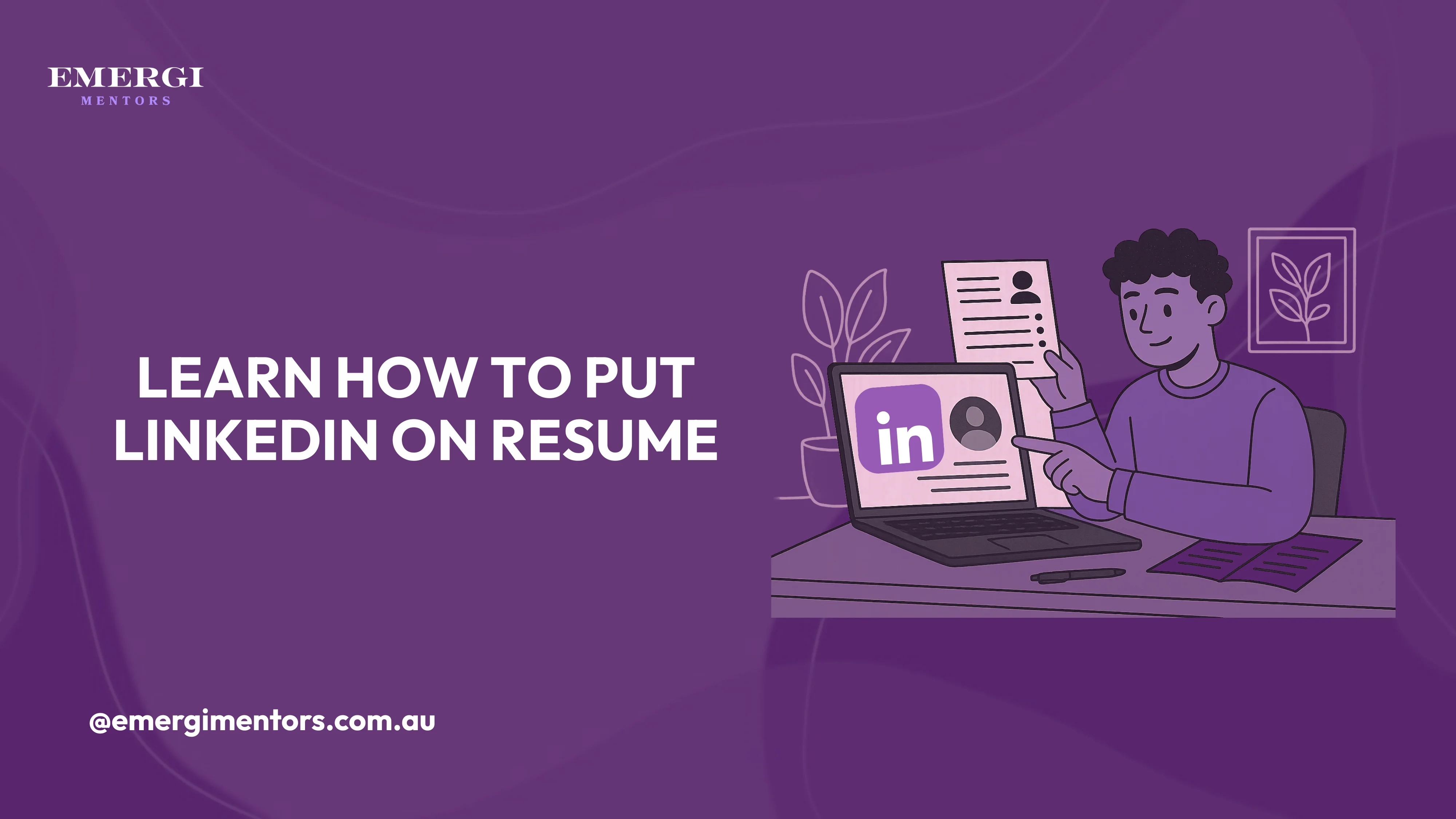
Understanding how to put LinkedIn on resume has become essential for Australian job seekers in 2025. 95% of recruiters use LinkedIn to find candidates. Including your profile correctly on your resume creates a seamless connection between your application documents and professional online presence. Learning to add LinkedIn properly ensures hiring managers can easily access your complete professional story, recommendations, and network connections.
Download our Free ATS-friendly resume template that recruiters would surely look at.
Where to Put LinkedIn on Resume
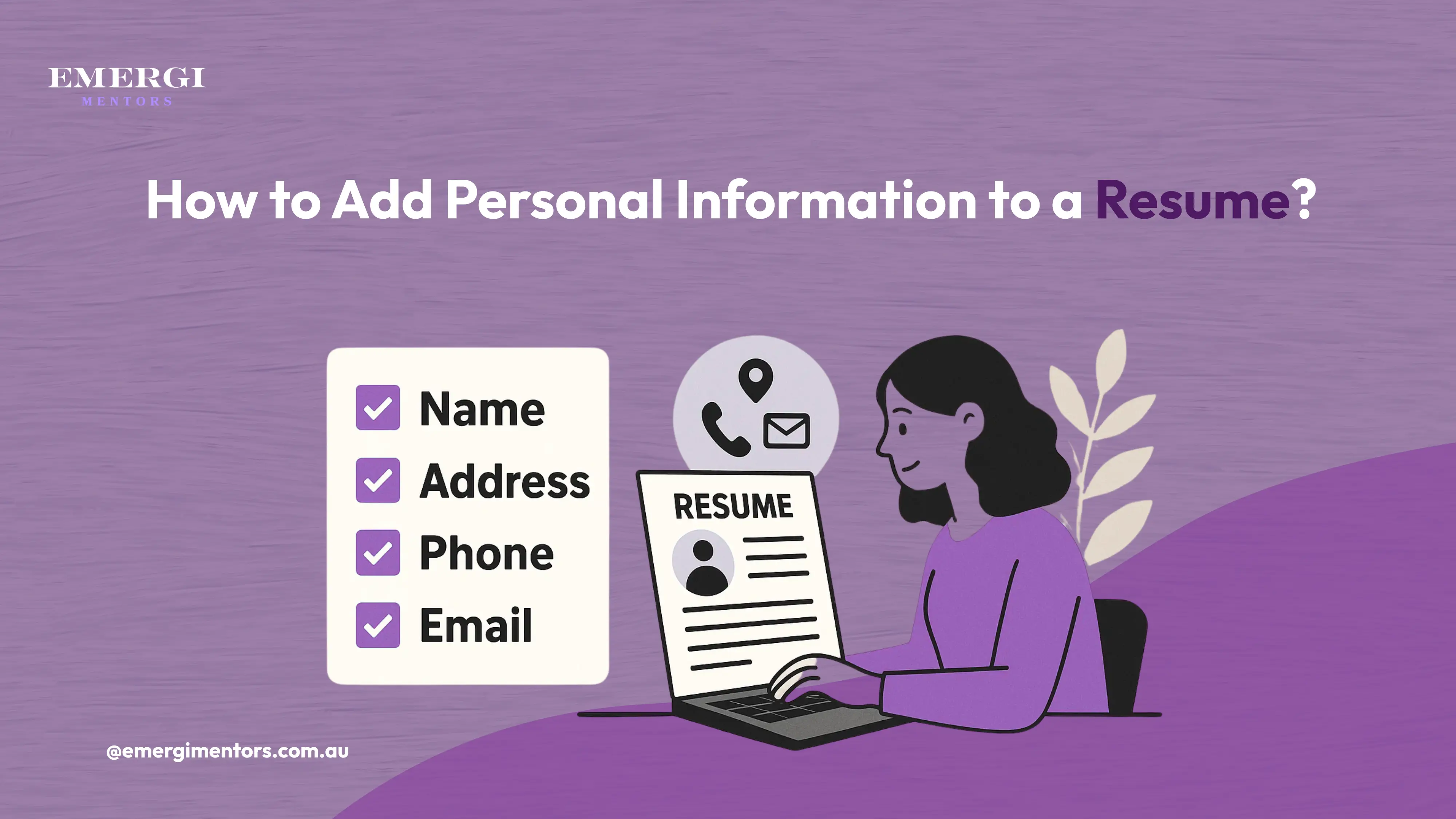
Header Section - The Best Location The most effective way to put LinkedIn on a resume is in your contact information header, right alongside your phone number and email address. This placement feels natural and ensures every hiring manager sees it immediately.
Format it as: LinkedIn: linkedin.com/in/yourprofilename
Avoid writing out the full URL with "https://" as it looks cluttered. Keep it clean and professional.
Alternative Placement Options If your header feels crowded, you can include LinkedIn in a dedicated "Professional Profiles" section near the top of your resume. This works well if you have multiple professional profiles worth showcasing.
How to Put LinkedIn on Resume: Formatting Best Practices
Use Your Custom URL Never include the default LinkedIn URL with random numbers. Customize your LinkedIn URL to match your name (linkedin.com/in/johnsmith) before adding it to your resume. This creates a professional appearance and makes you easier to find.
Consistency is Key When deciding to put LinkedIn on your resume, ensure your LinkedIn profile name matches your resume name exactly. Inconsistencies confuse recruiters and create doubt about profile authenticity.
Mobile-Friendly Formatting Many recruiters review resumes on mobile devices. Format your LinkedIn information clearly with proper spacing so it's easily clickable when viewed digitally.
What Not to Do When Adding LinkedIn
Never Include Broken Links Test your LinkedIn URL before submitting applications. A broken link frustrates hiring managers and reflects poorly on your attention to detail.
Avoid Generic Profiles Don't include LinkedIn if your profile is incomplete, outdated, or lacks a professional photo. An impressive resume paired with a poor LinkedIn profile damages your credibility.
Skip Redundant Information Your LinkedIn profile should complement, not duplicate, your resume. Use LinkedIn to showcase personality, recommendations, and detailed project descriptions that don't fit on your resume.
Optimizing Your LinkedIn Before Adding It
Professional Photo and Headline Ensure your LinkedIn photo meets Australian workplace standards - professional, recent, and approachable. Your headline should clearly state your role and value proposition.
Complete Profile Sections Fill in your experience, skills, and summary sections completely. When someone clicks through from your resume, they should find comprehensive information about your professional background.
Active Engagement Post industry-relevant content, engage with others' posts, and keep your activity feed professional. Recruiters often review your recent activity to gauge your industry engagement.
Industry-Specific Considerations
Tech Professionals Include links to GitHub, portfolio websites, or technical blogs alongside LinkedIn. Show the full scope of your technical presence.
Creative Industries Consider adding Behance, Dribbble, or portfolio websites. LinkedIn becomes part of a broader professional brand presentation.
Traditional Industries LinkedIn might be your only social media inclusion. Ensure it's polished and thoroughly professional.
Common Mistakes Australian Job Seekers Make
Many candidates forget to update their LinkedIn profile after customizing their resume for specific roles. Keep both documents aligned throughout your job search.
Don't assume everyone knows how to find you on LinkedIn. Including your profile URL removes guesswork and friction from the hiring process.
Avoid using LinkedIn's default "I'm interested in new opportunities" setting unless you're actively job hunting. This prevents awkward conversations with current employers.
Regional Considerations for Australian Professionals
Location Settings Ensure your LinkedIn location matches your resume, especially if you're open to relocating within Australia or considering remote opportunities.
Network Building Connect with Australian industry professionals before job applications. A strong local network visible on your profile demonstrates industry integration.
Privacy Settings Adjust privacy settings so recruiters can find you easily while maintaining appropriate boundaries with personal information.
Maximize Your Professional Impact
Knowing how to put LinkedIn on resume correctly creates powerful synergy between your application documents. Your resume provides a concise overview, while LinkedIn offers depth, personality, and social proof through recommendations and connections.
Ready to optimize both your resume and LinkedIn profile for maximum impact? Get expert guidance from career mentors at Emergi Mentors who understand the Australian job market and can help you present yourself professionally across all platforms.
Transform your job search strategy today. Connect with experienced professionals at Emergi Mentors and learn how to leverage LinkedIn effectively for career advancement in Australia's competitive market.