How to Put Certifications on Resume - A Job Seeker's Guide
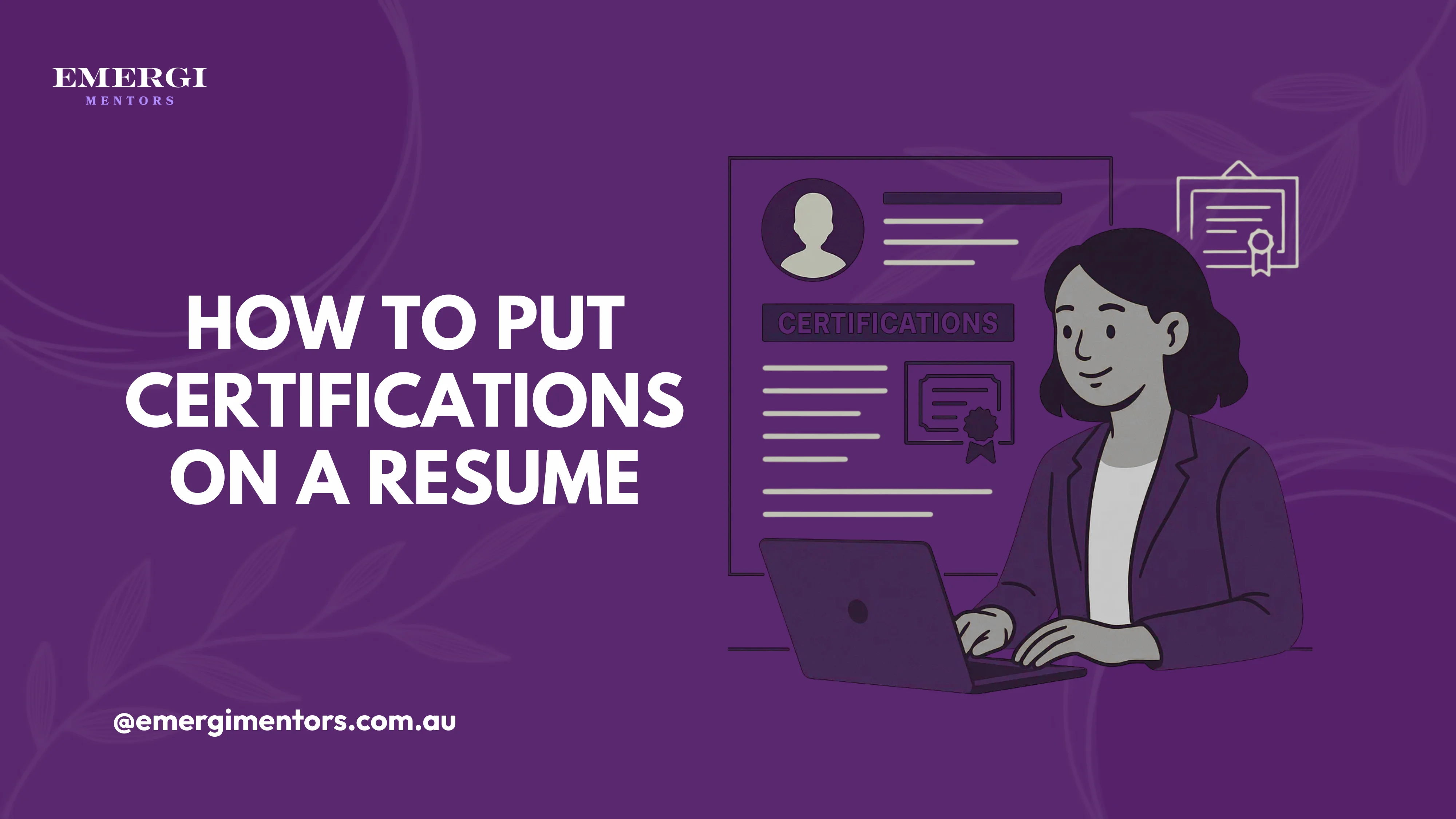
Certifications can be your secret weapon for landing interviews and advancing your career when done right. If you are wondering how to put certifications on a resume in a way that actually grabs hiring managers' attention, you're not alone! Many job seekers struggle with showcasing their hard-earned certifications effectively.
Whether you're a recent graduate trying to boost your credentials or an experienced professional looking to stay competitive, knowing how to put certifications on a resume properly can make all the difference in today's job market.
Why Certifications Matter More Than Ever
In 2025, certifications have become crucial differentiators. Certificates demonstrate your commitment to continuous learning and validated skills that benefit your organization immediately. But simply listing certification isn't enough. You should learn how to put your certifications strategically to maximise their impact.
Pro Tip: Learn how to put in-progress certifications on LinkedIn
Where and How to Put Certifications on a Resume
Option 1: Dedicated Certifications Section
The most popular approach for putting certifications on a resume is creating a separate section. This works brilliantly when you have multiple relevant certifications:
Professional Certifications
CompTIA Security+ (Valid through 2027)
Certified ScrumMaster (CSM) - Scrum Alliance (2023)
Option 2: Within Your Education Section
For recent graduates wondering how to put certifications on a resume, integrating them with your education section creates a cohesive academic achievement story:
Education & Certifications
Bachelor of Computer Science, University of Sydney (2024)
Google IT Support Professional Certificate (2024)
Microsoft Azure Fundamentals (AZ-900) (2024)
Option 3: Skills Section Integration
Another effective method for how to put certifications on a resume is weaving them into your skills section:
Technical Skills
Cloud Computing: AWS (Certified Solutions Architect), Azure, Google Cloud
Cybersecurity: CompTIA Security+ Certified, Network Security, Risk Assessment
Struggling to showcase your certifications effectively? Get personalized resume guidance from career experts at Emergi Mentors who know exactly how to make your credentials shine!
Essential Formatting Tips
What to Include When You Know How to Put Certifications on Resume
Certification name (use the official title)
Issuing organisation (spell it out completely)
Date earned (month and year)
Expiration date (if applicable)
Certification ID (for verification purposes)
What NOT to Include
Avoid these common resume-writing mistakes when learning how to put certifications on a resume:
Don't list expired certifications unless specifically relevant
Skip irrelevant certifications that don't align with your target role
Avoid cluttering with every single online course completion
Top Certification Resources for Tech Professionals
For Career Starters
Coursera Plus offers excellent pathways for new graduates:
Google Career Certificates (Data Analytics, IT Support, UX Design)
IBM Professional Certificates (Cybersecurity, AI, Cloud Computing)
Meta Social Media Marketing Certificate
Udemy provides affordable, practical courses:
Complete Web Development Bootcamp
AWS Certified Solutions Architect
Python for Data Science and Machine Learning
For Experienced Professionals
Pluralsight delivers advanced technical training:
Cloud architecture and DevOps specializations
Advanced cybersecurity frameworks
Leadership and project management skills
LinkedIn Learning offers business-focused certifications:
Project Management Professional (PMP) prep
Digital marketing and analytics
Leadership development programs
Industry-Specific Certification Strategies
Tech Industry Focus
When considering how to put certifications on resume for tech roles, prioritise:
Cloud certifications (AWS, Azure, Google Cloud)
Programming language certifications (Python, Java, JavaScript)
Cybersecurity credentials (CISSP, CEH, Security+)
Agile/Scrum methodology certifications
For New Graduates
Fresh graduates should focus on how to put certifications on resume to compensate for limited experience:
Industry-recognised professional certificates
Relevant online course completions from reputable platforms
Bootcamp certifications in high-demand skills
University-affiliated certification programs
Discover which credentials will make the biggest impact on your resume with expert guidance from Emergi Mentors.
Making Your Certifications Work Harder
Connect Certifications to Results
Don't just list your certifications; show their impact! When you understand how to put certifications on a resume effectively, you'll connect them to achievements:
Instead of: "AWS Certified Solutions Architect," Try: "AWS Certified Solutions Architect - Applied cloud expertise to reduce infrastructure costs by 30% in previous role."
Use Certifications in Your Summary
A powerful technique for how to put certifications on a resume is highlighting key certifications in your professional summary:
"Certified Data Analyst with Google Analytics and Tableau certifications, passionate about turning data into actionable business insights..."
Common Mistakes to Avoid
Certification Overload
Understanding how to put certifications on resume means knowing when enough is enough. Quality trumps quantity every time. Focus on certifications that directly relate to your target role.
Forgetting to Update
Keep your certifications current! Nothing screams "outdated candidate" like expired credentials. Set calendar reminders for renewal dates.
Ignoring Verification
Many employers verify certifications. When you know how to put certifications on resume properly, you'll include verification details to make this process seamless.
Maximising Your Investment
Choose Certifications Strategically
Before investing time and money, research which certifications hiring managers actually value in your field. Focus on credentials that appear frequently in job descriptions for your target roles.
Document Your Learning Journey
Keep records of your certification achievements, including projects completed during training. This information can be valuable during interviews when employers ask about your practical application of certified skills.
The Bottom Line on Certifications
Learning how to put certifications on a resume effectively is about more than formatting; it's about strategically positioning yourself as the ideal candidate. Your certifications should tell a story of continuous growth and relevant expertise.
Remember, the best certification is one that you can confidently discuss in an interview and apply in real-world situations. Choose wisely, display prominently, and always be ready to explain how your certified skills will benefit your future employer.
The job market is competitive, but with the right certifications properly showcased on your resume, you'll stand out from the crowd and land the opportunities you deserve.
Start building your certification strategy today by joining Emergi Mentors. Your future self will thank you!