How to Add Personal Information in a Resume: Do's and Don'ts

Getting your resume right and adding personal information in it the right way is challenging, and many job seekers and fresh graduates struggle with it. It’s where most professionals make their first mistake. Your contact information serves as the gateway to your next opportunity. Recruiters only spend 6-8 seconds on your resume; that means if your personal information section is cluttered, outdated, or missing key details, you might never get a call back for an interview. An average job seeker sends 162 applications to land a job in Australia, according to a Standout Resume report. Understanding exactly what to write and what to exclude from your personal information section on your resume is important to make your resume work.
Personal Information You Must Add to Your Resume
Your resume header should list contact information on the resume in a clean and professional format that makes it easy for hiring managers to reach you. Start your resume with information that actually matters.
Your Full Name
This is an obvious thing to include, but make it right. Use a slightly larger font (18-24 points) to make your name the most prominent text on your resume. Skip nicknames unless they're part of your professional brand. If you have a common name like "Sarah Smith," consider adding your middle initial to help you stand out.
Professional Email Address
Your email is now more important than your physical address. Create a simple firstname.lastname@gmail.com if you don't already have a professional email. Recruiters do not want to know and often legally cannot ask about your personal details, but they need a professional way to contact you. Writing a proper email shows your professionalism.
Never use your work email from your current workplace; it is awkward and looks unprofessional. Also, don’t use email addresses from your university days with numbers and phrases like “Sarah90Electrical”; it’s a red flag on your resume.
Mobile Phone Number
Only include one phone number that is your mobile phone number, which is easy for you to connect with. Make sure to set up a professional voicemail greeting. For Australian resumes, use the format 0412 345 678 or +61 412 345 678 if you're applying from overseas.
Location
Things have changed a lot; now you don’t need to add your full street address anymore. Adding your street address may result in concerns and can cause unconscious bias based on your neighborhood or commute distance. Instead, just list your city and state: "Melbourne, VIC" or "Sydney, NSW".
If you are applying for remote roles, you can write "Remote" or "Open to Remote Opportunities." And if you are planning to relocate, add a note like "Relocating to Brisbane, QLD in March 2026" to your cover letter rather than cluttering your resume header.
LinkedIn Profile URL
Adding a LinkedIn URL is non-negotiable in 2026. 90% of employers now use social media, and LinkedIn is the most common one, to research candidates. Customise your LinkedIn URL before adding it to your resume.
Change it from the default "linkedin.com/in/jane-doe-8ad9484f20" to something clean like: "linkedin.com/in/janedoe". Include it right after your email address and skip the "https://www." part to save space. Check to ensure it is clickable if you are sending your resume digitally.
Portfolio or Personal Website (If Relevant)
If you work in creative fields like design, writing, marketing, or tech, provide a link to your portfolio or GitHub profile. This gives hiring managers instant access to examples of your work and improves your credibility.
What Personal Details to Never Include in Resume
Many jobseekers make mistakes in choosing what information should not be added. There's a list of personal information that should not be added to a modern Australian resume:
Never include:
Date of birth or age
Marital status
Religion or nationality
Gender
Photo or headshot
Full street address
Medicare or Tax File Number
Current salary expectations
Unrelated social media accounts
In Australia, according to federal and state anti-discrimination laws, it is not allowed to ask candidates about their marital status, sexual orientation, religion, and nationality. It prevents employers from unfair treatment.
In North America, labour laws regarding discrimination are incredibly strict. To prevent lawsuits based on race, age, or appearance, many HR departments automatically discard resumes containing headshots.
The Top 5 Resume Mistakes That Lower Your Chances
Making mistakes in your resume can increase your chance of getting rejected before landing an interview. Many professionals make these mistakes unknowingly. The most common mistake that job seekers make in their resume is adding an unprofessional email to their resume. An email listed as “[email protected]” sends wrong message. Create a neat, professional email for job hunting. Don’t include numbers or nick names in it.
Before adding a phone number, make sure it is working and your voicemail greetings are set. It may sound basic, but many candidates lose opportunities due to being unreachable by potential hiring managers.
Forgetting to customize your LinkedIn URL is another common mistake. That long string of numbers and letters looks unorganised. Take 30 seconds to personalize it to your name so that it’s clean and professional. Including too much information can also clutter your resume and make it difficult for employers to read. Every detail on your resume should be valuable. Adding information such as birthdays, marital status and religion just takes extra space.
Formatting your contact information is important for recruiters to read it in a few seconds. Most of the job applications now are first scanned by ATS. If you use extra white spaces and unusual formatting, then your application will be rejected instantly. Don’t use fancy fonts and bold letters or vibrant colors in your resume. Use basic fonts like Arial and Calibri that can pass Application Tracking Systems.
How to Format Your Personal Information Section
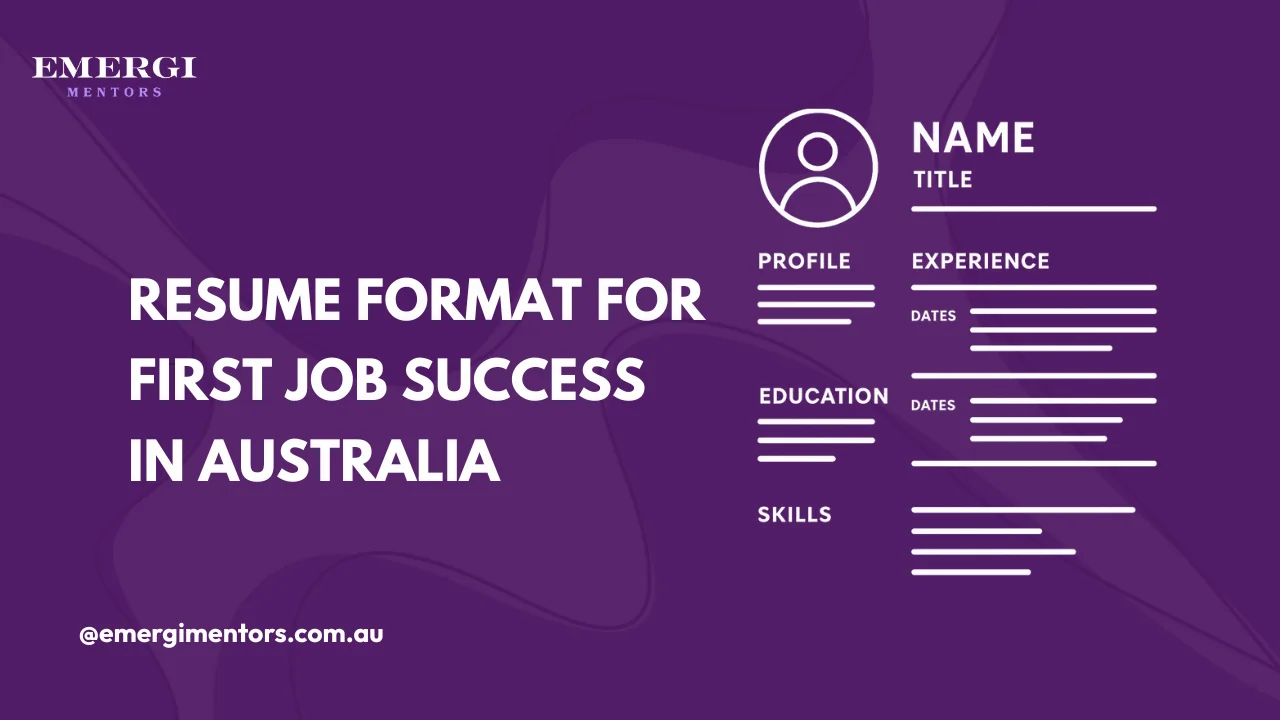
The layout of your contact details matters as much as the content. The centred header format looks polished for creative roles, while the left-aligned header is better for corporate positions and ensures ATS-friendly resume format compatibility. Both formats work.

Write a Good Resume: Beyond Just Contact Details
Writing a resume starts with adding the correct personal information and header information. But writing a good resume takes multiple steps to get real results. After your contact section, add a carefully crafted summary that tells hiring managers what value you bring and why they should hire you.
It’s okay for your resume to be 3-5 pages in Australia, unlike the 1-page restriction in the US. You can showcase your potential and achievements properly, just make sure every page counts.
Personal Details on a CV vs. Resume
In Australia, the words “CV” and “resume” are used interchangeably. You don’t need to be anxious about which one to work on, as they both refer to the same document. However, if you're applying for academic or research positions, you might need a more detailed academic CV that includes publications, research projects, and conference presentations.
The Mentorship Edge: Getting Your Resume Right the First Time
The fastest way to turn a good resume into a standout one is through a mentor’s expert review and honest feedback. Mentorship allows you to learn what hiring managers look for in an ideal candidate in a specific industry. When you connect with top Australian mentors through a platform like Emergi Mentors, you learn from professionals who've been on both sides of the hiring table. You can also access free AI resume reviews. Having a mentor can save you months of trial and error and support your career growth.
How to Add ATS-Friendly Contact Information
In 2026, your resume needs to pass through two filters, the Application Tracking System (ATS) and human recruiters. Applicant Tracking Systems are used by 95% of Fortune 500 companies and 68% of employers overall.
To make your contact information ATS-friendly:
Use the standard label/section header like “Contact Information” or leave it unlabeled in your header
Avoid text boxes, tables, or graphics, as they confuse scanning software
Use simple fonts such as Arial, Calibri, and Times New Roman.
Save your resume as a PDF or DOCX file
Another important step you can take to make sure your resume passes ATS is testing your resume by copying it into a plain text editor; if the formatting breaks, the ATS probably won’t be able to read it either.
Making Your Resume Work for You
According to a Seek poll, 25% of job seekers spend between 3 to 6 months looking for a new job. With some roles like entry-level jobs attracting over 500 applications, you need to learn what makes your resume work and can give you an advantage over others. Your contact information may look like a small detail, but it's often the deciding factor in whether a recruiter can connect with you.
Your personal section sets the tone for the entire resume; if recruiters spot a mistake at the beginning of the resume, they will instantly reject it. Before anyone reads about your impressive achievements, they look at the contact information you provided. The key is keeping it simple, professional, and focused on making it easy for employers to contact you. Skip the unnecessary details, format it cleanly, and make sure everything is up to date and accurate.
Don't spend another six months sending out resumes that don’t get noticed. Get expert guidance and make every application successful.
Frequently Asked Questions
Do I need to include my photo on my resume in Australia?
No, you should not add a photo on your resume in Australia. There are some countries, like Belgium, France, and Germany, where you should include a photo in your resume. This rule, however, doesn't apply to Australia.
Should I include my full address or just my suburb?
Adding your city and state is enough on an Australian resume. Full street addresses are no longer necessary and take up valuable space. Employers only need to know your general location to assess commute suitability.
Is it okay to use my LinkedIn profile instead of a traditional resume?
No, you need both. Your resume is the most important document for applying jobs, but you also need an optimised LinkedIn profile that provides extra context and social proof through recommendations and endorsements. Having a professional LinkedIn profile is a must in today’s competitive job market.
Can I include my reference contact information in my personal details section?
No, keep references separate from your contact information. Either list them on a second page under "References" or simply note "References available upon request" at the bottom of your resume. Never include reference contact detail in your header.
How do I create a custom LinkedIn URL?
Customising your LinkedIn profile URL is considered professional and makes it easy for recruiters to remember. First login to your LinkedIn account, click “ME”, then "View profile,". Select "Edit public profile & URL" on the right, then click the pencil icon next to your URL, and customize it to your name (e.g., linkedin.com/in/yourname).